Shorts. In a shortcut.
The right canvas, a blurred backdrop, and smooth 60 fps output. Auto Render does the heavy lifting.
LESS FUSS. MORE CREATING.
You make the moments.
We make them ready to share.
Turn raw gameplay into polished Shorts and full-length videos. Edit, render, and publish from one free Windows app.
Made for Windows. Made for your next idea.
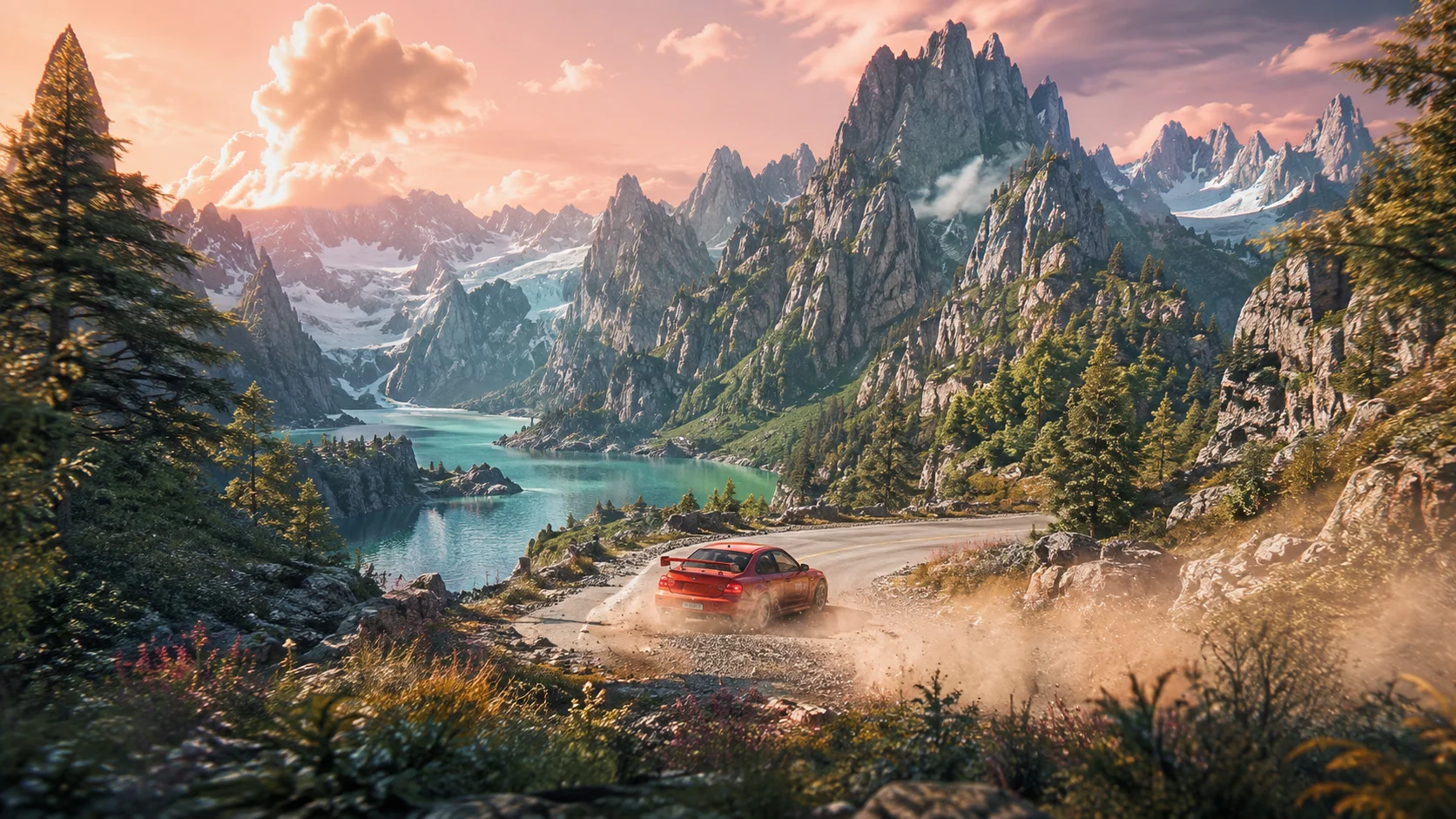
YOUR IDEAS DESERVE TO GET OUT THERE.
The best part of creating should be creating.
Content Maker takes care of the in-between.
SMALL APP. FULL CREATIVE TOOLKIT.
Go from a raw recording to something
worth watching. Your way.
The right canvas, a blurred backdrop, and smooth 60 fps output. Auto Render does the heavy lifting.
Trim, split, layer, and color. A full timeline when the story calls for a little more you.
Your footage stays on your PC. Local rendering. No cloud queue. Just you and your creative space.
A quick Short or the full story. Make space for every kind of idea.
9:16FROM THE FOLDER TO THE FEED.
Drop in a whole session or a single clip. Pick the part that deserves another watch.
YOUR RAW FOOTAGETake the shortcut with Auto Render, or shape every frame in the Custom Timeline. Your creative call.
YOUR SIGNATURE STYLE A little cinematic magic.Render on your PC, then publish to YouTube or TikTok. Your next post, all from the same creative space.
YOUR MOMENT, SHAREDYour finished video. Your next move.
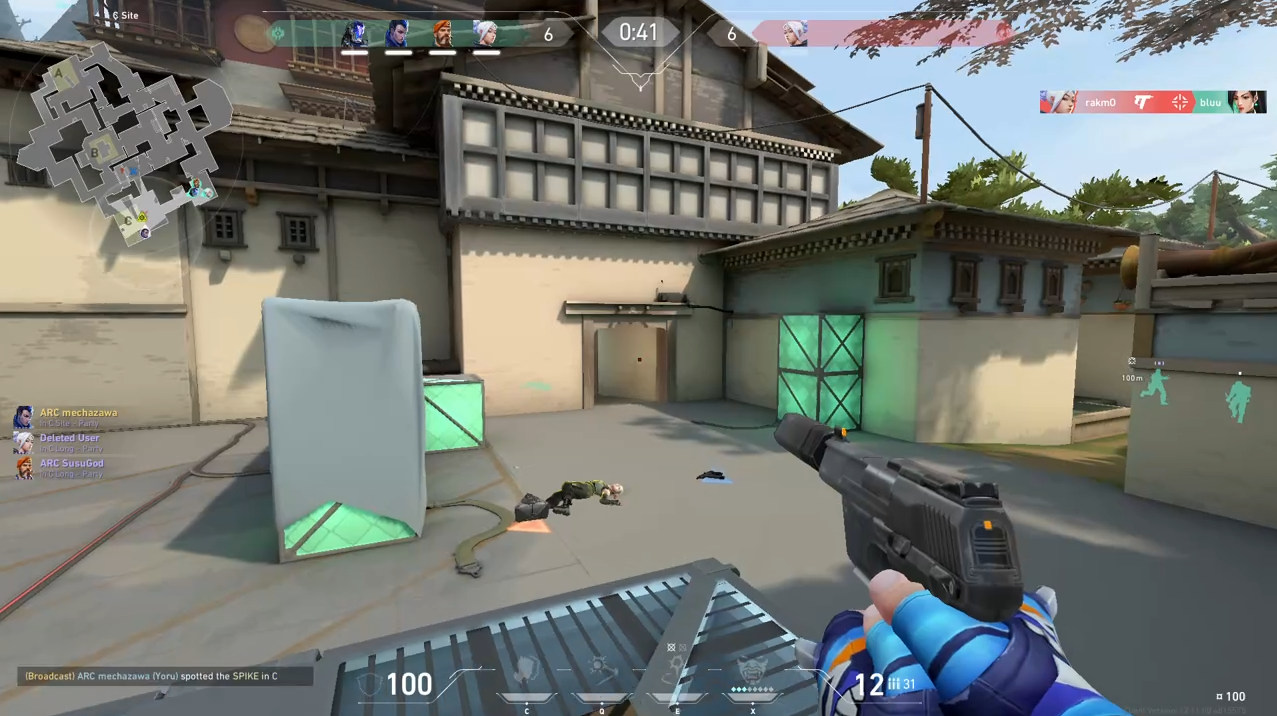 BIG CREATIVE ENERGY. YOUR KIND OF CONTENT.
THERE'S A CREATOR IN THERE.
A FEW THINGS YOU MIGHT BE WONDERING.
Less mystery. More making.
Yes. Content Maker is free to download, edit with, and render with. Processing runs on your own PC, so there are no cloud rendering credits to buy.
A 64-bit Windows 10 or Windows 11 PC and a recording you want to edit. FFmpeg is bundled with the installer. No separate setup and no Content Maker account required.
Yes. Your source footage, projects, and renders stay on your device. A finished video is only uploaded when you choose to publish it to your connected account.
Absolutely. Auto Render is designed for vertical Shorts. The Custom Timeline gives you multi-track editing, trims, splits, transitions, and color controls for landscape videos too.
Connect YouTube or TikTok through their official sign-in flow, then upload from Content Maker. Availability and visibility depend on platform permissions. Instagram Reels uses a manual hand-off of your finished file.
The current release is for Windows 10 and 11. An Android version is in development. A Mac release is not currently available.
FREE TO MAKE SOMETHING GREAT.
Your next great video is already on your hard drive.
Download for Windows Free · Windows 10 & 11 · 64-bit · FFmpeg includedAndroid is in the making.